

How to Register on 22Bet Nigeria: Step-by-Step Guide
Want to register on 22Bet in Nigeria? 🇳🇬 This guide walks you through safe site access, quick account setup, ID verification, and tips to avoid common hiccups 🚀
Edited By
Babatunde Ajayi
Paystack is one of the top payment gateways in Nigeria, widely used by businesses, bettors, app users, and online platforms to handle ₦ transactions smoothly. To deposit money with Paystack, you must understand the main deposit methods it supports and how the process works within the Nigerian context.
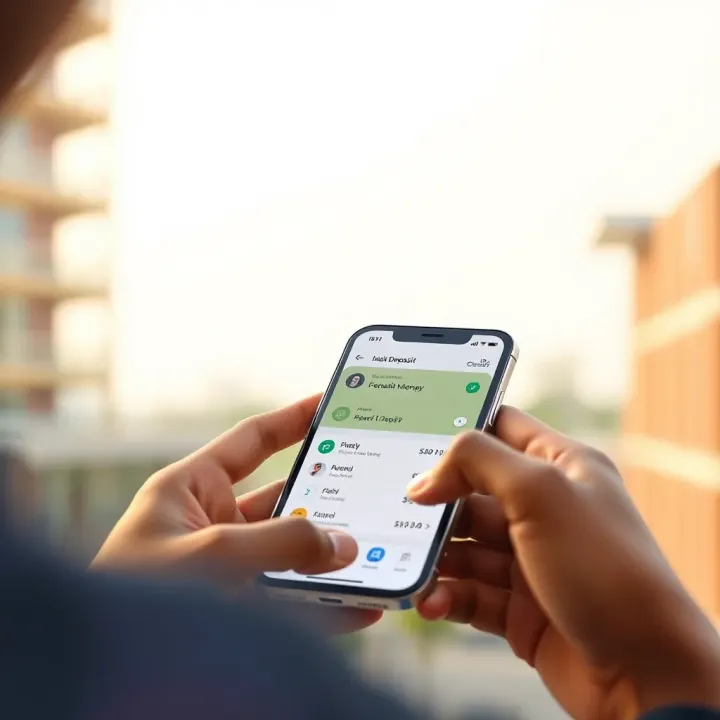
Paystack allows deposits primarily through bank transfers, debit cards, and mobile money wallets. For Nigerian users, the most common method is using Nigerian bank accounts for direct transfers or card payments. Paystack supports major Nigerian banks like GTBank, Access Bank, Zenith Bank, and First Bank, enabling easy deposits via internet banking or bank USSD codes.
Log into your Paystack account or the app where Paystack is integrated.
Choose the deposit option and select your preferred method (bank transfer, card payment, or mobile wallet).
If using bank transfer, note the unique Paystack account number or payment prompt generated for you.
Complete the transfer through your bank's app, USSD code, or visit your bank branch if needed.
For card payments, input your card details securely and confirm the transaction. Paystack encrypts these details to protect your information.
Once confirmed, the amount reflects in your Paystack balance or wallet instantly or within minutes, depending on the bank and method used.
Paystack uses robust encryption to secure transaction data. Still, you should take precautions:
Never share your ATM PIN or internet banking password.
Always verify the Paystack account number before sending money.
Avoid using public Wi-Fi connections when making deposits.
Monitor your bank statements regularly to spot any unauthorised transactions.
Remember: Using official bank apps or channels to deposit via Paystack reduces the risk of fraud and ensures quicker transaction processing.
Some Nigerian users face delays due to bank processing times or incorrect account details during transfers. Also, occasional network issues or app glitches might lead to failed payments. When this happens, contacting Paystack's support or your bank promptly can help resolve the problem.
Understanding these basics will position you well to make smooth and secure deposits using Paystack, ensuring your online activities—from betting to app purchases—stay uninterrupted and reliable.
Paystack has become a major player in Nigeria’s digital payment scene, offering businesses and individuals a straightforward way to accept and send money online. Launched in 2015, this platform supports multiple payment methods including card payments, bank transfers, and mobile money. Paystack’s integration with Nigerian banks simplifies transactions, especially for small businesses and startups aiming to grow their sales without heavy investment in payment infrastructure. A typical example is a local boutique using Paystack to collect payments from customers all over Lagos without needing physical POS terminals.
Paystack also provides a clean dashboard that helps users track transactions and manage payments with ease. This is a vital feature for Nigerian traders who rely heavily on clear financial records to plan their day-to-day operations. Besides, with Nigeria’s frequent power outages and network issues, Paystack’s reliable API and fallback options ensure payments get through without much hassle.
For businesses relying on Paystack, regular deposits are more than just adding funds – they are key to maintaining smooth operations. Depositing money into Paystack accounts allows businesses to fund their wallets to pay for services such as airtime, bill payments, or sending funds to vendors and staff. For example, a sports betting app might deposit money to quickly pay winners without delay, securing customer trust and repeat patronage.
Moreover, because Paystack aggregates various payment channels, having funds ready in the platform means faster response to sales opportunities and less downtime while waiting for bank clearances. Nigerian startups often face liquidity challenges, and keeping a healthy Paystack balance helps them meet obligations immediately, especially during peak periods like ember months when sales spike and expenses rise.
By understanding Paystack’s role as more than just a receiving gateway — but as a functional wallet and transaction hub — businesses can better manage their finances and reduce the risks of payment delays. This hands-on approach also helps in compliance, as proper fund management aligns with CBN regulations and tax obligations from the FIRS.
Paystack isn’t just a payment gateway — it’s an operational tool in Nigeria’s fast-paced digital economy, helping businesses keep money moving smoothly and securely.
Knowing these elements upfront gives Nigerian users, especially those in tech, betting, and app development spheres, a clear advantage in managing deposits efficiently and avoiding common pitfalls associated with online payments.
Understanding the deposit options available on Paystack is essential for Nigerian users, especially bettors, app reviewers, and compliance officers who rely on timely and secure transactions. Paystack’s flexibility accommodates Nigeria’s unique banking and payment environment, giving users multiple ways to fund their accounts fast and safely. Here, we discuss the major deposit methods, their practical benefits, and what you should consider when choosing the best option.
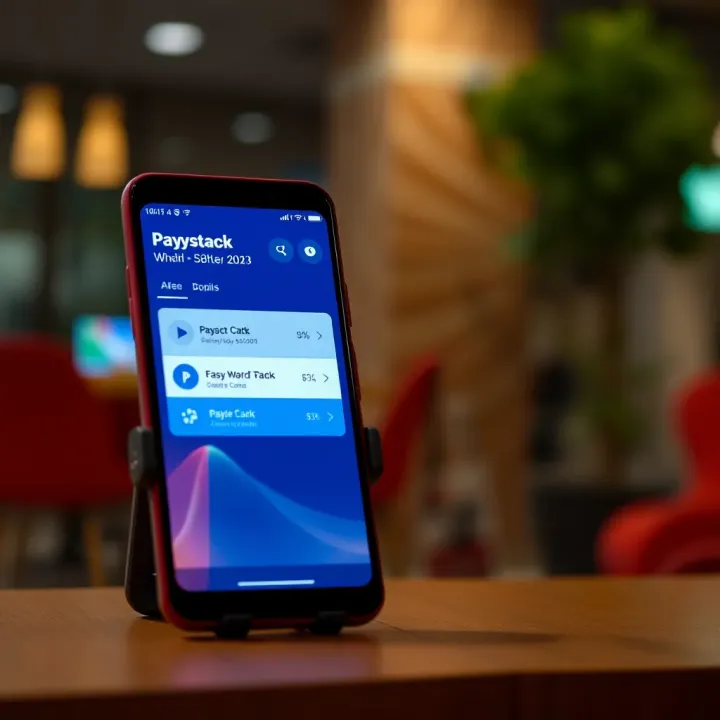
Bank transfer remains the most widely used and trusted deposit method among Nigerian users on Paystack. Through integration with major Nigerian banks like GTBank, Zenith Bank, and Access Bank, Paystack allows direct deposits from your bank account to your Paystack wallet or linked payment platform.
This method offers convenience for those who already use online or mobile banking apps. For instance, if you’re a bettor funding your account from GTBank, you simply log in to your bank’s app, select the Paystack-linked account number, and transfer funds directly. The transfer is usually instant, ensuring your betting account or app wallet updates immediately.
However, always confirm the recipient’s details precisely, as incorrect account numbers often cause delays or losses. Also, some banks apply transfer fees depending on your plan, so consider this before choosing.
USSD codes provide a quick, data-free way to make deposits, ideal for users without steady internet access. Paystack supports USSD payment routes that link directly with Nigerian banks. For example, dialing a simple Paystack USSD short code allows users to approve deposits securely without needing a smartphone or app.
This method suits users in remote areas or those who experience unstable internet, preserving both speed and reliability. Plus, USSD transactions often come with lower service costs, which is a bonus during ember months when transaction activity spikes.
Unfortunately, USSD sessions may time out during peak hours, so patience is necessary. To avoid failings, always initiate USSD deposits from reliable networks.
Paystack also accepts deposits from popular Nigerian mobile wallets and cards, giving users more choice beyond bank transfers. Digital wallets like OPay and PalmPay, which are widespread in Nigeria, integrate seamlessly with Paystack for instant funding. This suits young, tech-savvy users who prefer mobile money over traditional banking.
Additionally, debit and credit card payments (Visa and Mastercard) are accepted, catering to users who prefer card-based transactions or international options. This comes in handy for app reviewers and compliance officers who may have foreign currency needs or prefer card convenience.
On the flip side, card payments may attract higher processing fees and occasional limits set by issuing banks. Always check your card’s monthly limits and fees to avoid surprises.
Paystack’s range of deposit methods reflects Nigeria’s diverse banking habits, making it easier for users across different regions and backgrounds to fund their accounts reliably.
By understanding these options, you can pick the deposit method best suited to your daily routine and transaction volumes, ensuring your money is ready when you need it.
For anyone relying on Paystack for business or personal payments in Nigeria, knowing how to deposit funds effectively is vital. This guide offers clear steps to make the deposit process straightforward and error-free. Whether you run an online betting platform or simply want to top up your Paystack account for transactions, the following walkthrough gives you practical insights on setup, execution, and verification.
Before you can deposit money, ensure your Paystack account is properly set up to receive funds. Start by visiting Paystack’s official website or app and creating an account if you haven't already. You’ll need to supply basic details including your full name, email address, phone number, and a valid Nigerian bank account linked to the platform.
Remember to verify your account through the confirmation email or SMS you receive. This step is crucial to avoid unexpected disruptions during deposits. Also, add your Bank Verification Number (BVN) when prompted — this helps comply with Nigeria’s financial regulations and safeguards your transactions.
One of the simplest deposit methods is using bank transfer. Once your Paystack account is ready, you can fund it directly from your Nigerian bank. Log in to your net banking or mobile banking app, then initiate a transfer to the bank details provided by Paystack. These details usually appear prominently after you select the “Deposit” function.
When making the transfer, ensure you input the right account number and pay attention to the amount you want to deposit. For example, if you intend to inject ₦50,000, double-check to avoid overpayment or underpayment. Banks such as GTBank, Access Bank, Zenith, or UBA support fast transfers, but bear in mind sometimes interbank transfers may take a little longer during peak hours.
After completing the bank transfer, immediately return to your Paystack dashboard to confirm the deposit. Typically, Paystack automatically updates your balance once the funds clear, but you might want to refresh your account or check transaction history for confirmation.
If your deposit doesn’t show up within 30 minutes, it pays to verify your bank transaction status or contact Paystack support. You can also check your balance directly in the app where it usually displays an updated figure reflecting the recent deposit.
Always keep your transaction references handy. These numbers act as proof for any disputes or clarifications needed with Paystack or your bank.
By following these steps carefully, you reduce chances of delays and errors. This process not only helps maintain your cash flow but also secures trust with customers or platforms relying on your payments through Paystack.
Understanding common problems when depositing funds with Paystack helps avoid unnecessary delays and frustration. For Nigerian users, especially bettors and tech-savvy customers, knowing how to handle issues ensures smoother transactions and keeps your money safe. This section explains frequent deposit hiccups and offers clear solutions.
Funds sometimes take longer than expected to show up in your Paystack account balance. This delay can occur for several reasons, such as slow bank processing, network downtime, or peak transaction periods, especially during ember months when transaction volumes spike. If you deposited via bank transfer, double-check your transaction reference number against the one provided by Paystack. If the reference is mismatched or missing, the deposit might not link automatically, causing delay.
When facing delays, first allow up to 24 hours for clearance. If the amount still doesn’t appear, revisit the transaction history or your bank statement to confirm the debit. Next, clear your browser cache or try logging in via a different device or app – sometimes the balance update just doesn’t sync immediately. If the issue persists, contact Paystack support with your transaction details and proof of payment for quicker resolution.
Payment failures can happen due to various reasons: insufficient funds in your bank or card, expired cards, incorrect account details, or network interruptions during the transaction. Common error messages like “Transaction declined,” “Insufficient balance,” or “Invalid account number” give clues about what went wrong.
Paystack’s system tries to give clear messages, but Nigerian users should remember to verify key details before initiating deposits. For instance, always ensure the correct account number and bank name are entered. If using a card, confirm that your bank has enabled online payments or international transactions if applicable. Sometimes, your bank’s fraud prevention may block the payment unexpectedly; contacting your bank can resolve these blocks.
When problems linger, reaching out to Paystack’s support becomes necessary. To speed up the process, prepare all relevant information before contacting them:
Date and time of transaction
Deposit amount
Payment method used (bank transfer, card, USSD)
Transaction reference or ID
Screenshots or bank alerts confirming payment
You can reach Paystack support via their official help centre or through the support tab on their website or app. Nigerian users benefit from being clear and concise in explaining the issue, which helps the support agents provide quick and effective solutions.
Remember, keeping your transaction details handy can save precious time and avoid confusion during support interactions.
Handling deposit issues efficiently with Paystack means you can maintain trust in your payment processes and avoid losing time and money due to simple glitches or misunderstandings.
Managing your money on Paystack safely is more than just locking your account. It involves being cautious about the kinds of information you share and actively protecting your details from fraudsters who are increasingly targeting online payments. With cybercrime on the rise globally and in Nigeria, neglecting safety can lead to serious losses, especially if you use Paystack frequently for businesses or betting transactions.
Fraud protection begins with vigilance. For instance, never share your Paystack login details or OTP (one-time password) with anyone, not even someone claiming to be from Paystack support. Scammers often pose as customer service agents via phone calls or WhatsApp messages to trick users into giving sensitive details. Always verify any communication through official Paystack channels.
Avoid using public Wi-Fi networks when making deposits or managing your Paystack account. These connections are easy targets for hackers who can intercept your data. Instead, use a private, secured network or mobile data when accessing payment services.
Besides, keep an eye on your transactions regularly. If you spot any deposit or withdrawal you didn’t make, report it to Paystack immediately. Remember, quick reporting can help prevent further loss.
Your password is the first barrier against unauthorized access. Choose a strong password that mixes uppercase and lowercase letters, numbers, and symbols. Avoid common words, birthdays, or simple sequences like "123456." For example, instead of "Paystack123," go for something like "P@yst4ck!N1g3ria" which makes guessing very hard.
Moreover, always activate two-factor authentication (2FA) on your Paystack account. This feature adds an extra layer of security by requiring you to provide a second form of verification, usually a code sent to your phone, each time you log in. Even if someone manages to get your password, they still can't enter without this code.
Setting up 2FA is straightforward in your Paystack dashboard. Take time to configure it properly and keep your phone secure since the verification codes come through SMS or an authenticator app.
Strong passwords plus 2FA reduce your risk of account compromise significantly—even if a hacker gets your password, 2FA blocks access.
Taking these safety steps seriously will protect your money on Paystack from common threats. When you combine strong passwords, 2FA, vigilant behaviour, and awareness of fraud tactics, your financial transactions remain secure and smooth.
Keeping these tips in mind helps you enjoy Paystack’s convenience without the worry of unnecessary risks.
Want to register on 22Bet in Nigeria? 🇳🇬 This guide walks you through safe site access, quick account setup, ID verification, and tips to avoid common hiccups 🚀

📱Discover 22Bet's latest mobile features tailored for Nigerian bettors 🇳🇬, including easy app access, secure payments, local options, and smooth betting on the go!

Discover top Nigerian betting sites with quick withdrawals, secure payments, and smooth user experience. Get tips to cash out winnings fast and safely 💰⚡

🎉 Claim your 22Bet bonus in Nigeria with ease! Learn how to register, meet eligibility, and use tips to boost your ₦ bonus today. Bet smart, win big! 💰
Based on 13 reviews